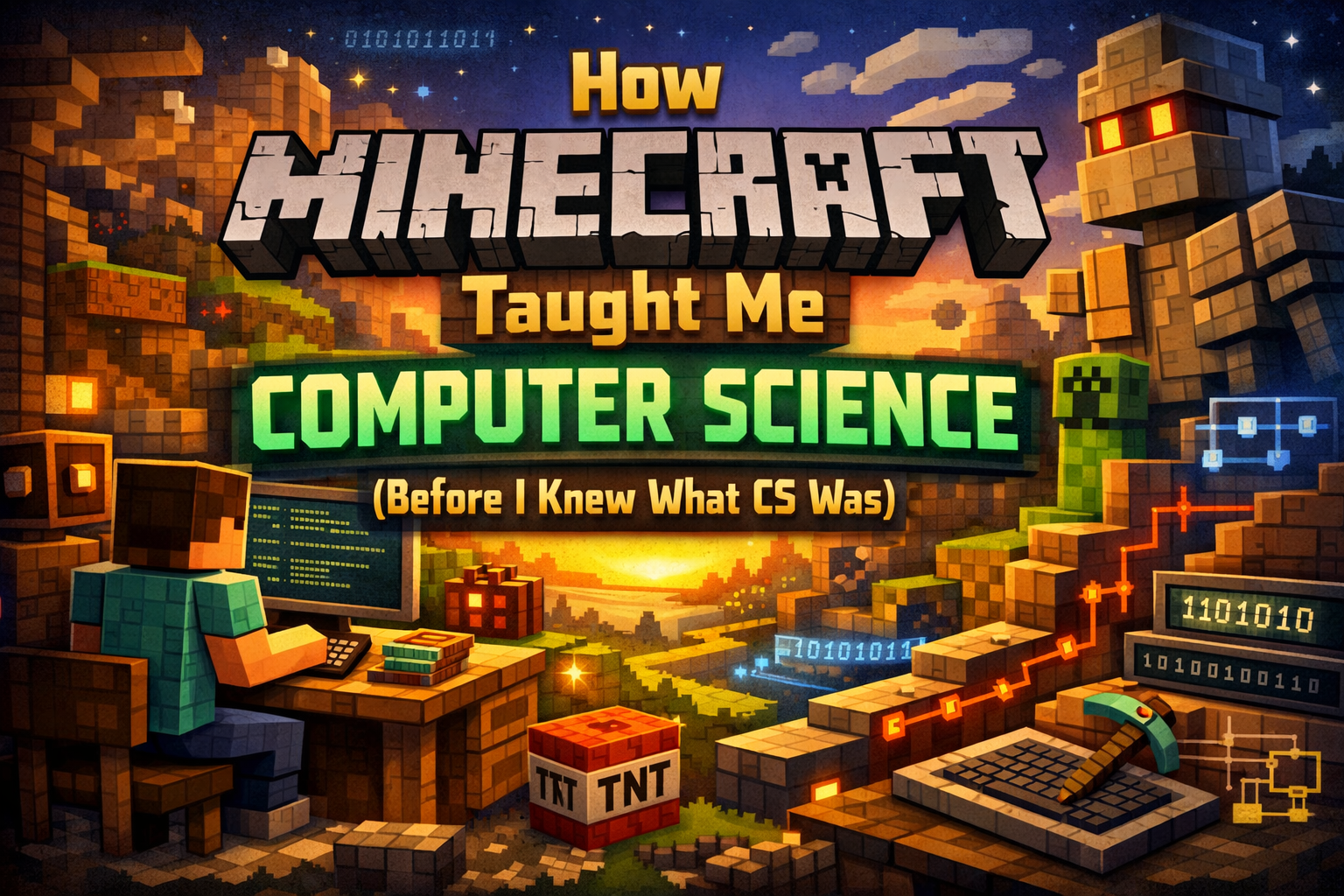
Last week, I typed docker-compose up to restart my Minecraft server after adding a few new mods. It’s running on my Hetzner VPS, syncing my game worlds across all my devices so I can pick up where I left off whether I’m on my laptop, Steam Deck, or playing at a friend’s place. As I watched the container spin up and checked the logs to make sure everything loaded correctly, it hit me: I’m doing actual DevOps work… for a game I love playing.
It wasn’t always this obvious. For years, Minecraft was just… Minecraft. A game I loved, a world I built in, something I came back to again and again. I played it the way most people do – for fun, for creativity, because building things and exploring felt good.
But somewhere along the way, as I learned more about software engineering and DevOps professionally, I started noticing things. The server I was running? That’s real infrastructure. The mods I was configuring? That’s dependency management. The redstone contraptions I built years ago? Those are logic circuits.
The game didn’t change. I did. I learned the vocabulary. And suddenly I could see what had been there all along: Minecraft isn’t just a game – it’s a playground for computer science concepts, wrapped in blocks and survival mechanics.
That’s what I want to share. Not “Minecraft will make you a programmer” – that’s not how it works. But if you’re playing Minecraft right now, you might already be thinking like one. You just don’t have the words for it yet.
This is me giving you those words.
The Name Says It All: Minecraft Java Edition
For years, I saw “Minecraft Java Edition” every time I launched the game. Java Edition. Not just “Minecraft” – they put the programming language right in the name.
And honestly? That always stuck with me. Even before I knew how to code, I knew what Java was – a programming language, something real developers used. Seeing it there, tied to a game I loved, made it feel less abstract. Less like some distant thing only “real programmers” dealt with.
It made me curious. What did it mean that Minecraft was built in Java? Why did that matter? I’d see forum posts about Java’s garbage collection causing lag, debates about whether Bedrock Edition (written in C++) performed better. I didn’t understand most of it, but I was paying attention. The game made me notice Java existed in the first place.
Years later, when I actually started learning programming, Java didn’t feel foreign. Not because I’d written it before, but because I’d been thinking about it for so long. I’d spent years reading about a Java program – its quirks, its performance issues, why it worked cross-platform.
The game put Java on my radar before I ever considered learning it. When I finally did – in college, studying object-oriented programming – it felt less like encountering something new and more like finally understanding something I’d been circling around.
That’s what happens when you put “Java” in the name. It plants a seed. It makes programming feel less intimidating because it’s tied to something you already love.
Redstone: My First Logic Circuits (And I’m Still Building Them)
I still mess around with redstone when I’m playing. Nothing crazy – I’m not building CPUs or anything – but I’ll set up automatic farms, hidden doors, sorting systems. It’s satisfying. But what’s wild is that now I know what I’m actually doing.
When I was younger, I was just following tutorials and experimenting. I knew redstone torches inverted signals, that repeaters could delay things, that certain combinations of blocks did specific things. I could make it work, but I didn’t have the language for it.
Now? Now I can tell you: that’s a NOT gate. That’s an AND gate. That contraption is doing boolean logic. Redstone can be ON or OFF – that’s binary, 1s and 0s, the foundation of all computing. When I place a redstone torch on a powered block and it turns off, that’s boolean inversion. When I need both input A and input B to be active for something to trigger, that’s an AND operation.
The automations I’ve built over the years – automatic doors, item sorters, piston contraptions, even some basic combination locks – aren’t just clever game mechanics. They’re logic circuits. The same fundamental building blocks that are inside the computer I’m typing on right now.
And the crazy thing? Other people have taken this way further. There are YouTubers like mattbatwings who’ve built actual working CPUs inside Minecraft using nothing but redstone. 8-bit processors. ALUs (Arithmetic Logic Units). Memory systems. Computers that can run simple programs – all inside a video game.
I read a blog post by Curtis Lowder, a computer science researcher, who discovered redstone computers through YouTube when he was 12. Years later, when he took a computer architecture course in college, he realized he already understood digital logic circuits and foundational CS concepts that other students were seeing for the first time. “All those years weaving through the redstone circuitry had paid off,” he wrote. He’d accidentally learned computer architecture a decade early – by playing.
I didn’t build a redstone CPU. But I did build enough contraptions to internalize that computation isn’t magic – it’s just logic, repeated and combined in clever ways. And that’s a mindset. That’s how you start thinking like a computer scientist, even if you’re just trying to automate your wheat farm.
If you’re playing Minecraft right now and messing with redstone – even simple stuff – you’re practicing computational thinking. You might not have the vocabulary yet, but the concepts are there.
Mods and Modding: Understanding Software Architecture
My Minecraft server right now is running about a dozen mods. Some are client-side only (shaders for better graphics), some are server-side (world generation, new mechanics), and some need to be on both to work properly. Getting them all to play nice together? That took some troubleshooting.
And here’s what I realized recently: this is software architecture. I’ve been doing dependency management and understanding distributed systems for years without calling it that.
Client-side vs. Server-side: Distributed Systems in Game Form
When I’m setting up mods, I have to think: does this need to run on the client (my game), the server (the world state), or both?
Shaders? Client-only. They just change how I see the game. The server doesn’t care.
New biomes or mobs? Server-side. Everyone needs to see the same world.
New items or mechanics? Usually both – the client needs to render them, the server needs to track them.
This is exactly the same decision I make at work when building web applications. Does this code run on the frontend (the user’s browser) or the backend (the server)? In Next.js, I’m constantly deciding: “Should this be server-side rendered or client-side?” It’s the same question – just in a different context.
The client handles rendering and user input. The server manages state and keeps everything in sync. Frontend and backend. Distributed systems. I learned this playing Minecraft before I ever wrote a line of React.
Dependency Hell, Minecraft Edition
Then there’s mod compatibility. Mod A requires Forge version 36.2.0 or higher. Mod B only works with Forge 35.x and crashes on 36. Mod C conflicts with Mod D because they both modify the same game mechanics. Oh, and Mod E requires Library Mod F to be installed first because it depends on it.
If you’ve ever run npm install and seen a wall of warnings about peer dependencies and version conflicts, this will feel very familiar. Because it’s the same problem.
Every programming ecosystem has dependency management: package.json for JavaScript, requirements.txt for Python, Gemfile for Ruby. You’re juggling versions, managing conflicts, and hoping everything works together. I dealt with this in Minecraft years before I ever managed a professional codebase.
The modding frameworks themselves – Forge and Fabric – are like React or Vue for Minecraft. They’re frameworks that provide infrastructure so mod developers can build features without rewriting the game from scratch. They handle the hard stuff (hooking into the game’s code, loading mods in the right order, providing APIs) so developers can focus on their ideas.
ComputerCraft: Programming in Minecraft
I never went super deep into ComputerCraft, but I’ve played with it. It’s a mod that adds programmable computers and robots (“turtles”) to Minecraft that you control by writing actual code – in Lua, a real programming language used in game development and embedded systems.
People write scripts to automate mining, build structures, manage complex systems. They’re learning loops, functions, conditional logic – real programming concepts – while playing Minecraft. And those skills transfer. Lua isn’t just a toy language; it’s used professionally. Learning it in Minecraft is learning it for real.
What I have done extensively is configure mods, troubleshoot conflicts, read documentation (often badly written), and parse error logs to figure out what broke and why. I didn’t realize it at the time, but this is debugging. This is the same problem-solving process I use at work when a CI/CD pipeline fails or a deployment breaks: read the logs, isolate the problem, test a fix, iterate.
The Skills Are Real
I’m still configuring mods. I’m still troubleshooting version conflicts. And now I can see it for what it is:
- Dependency management – juggling versions and compatibility
- Client-server architecture – understanding where code needs to run
- Debugging – reading logs, isolating issues, testing solutions
- Framework thinking – understanding how modding APIs work
If you’re modding Minecraft right now, you’re learning software engineering concepts. You might not call it that, but that’s what it is.
Hosting My Own Server: I’m Literally Doing DevOps for Fun
Here’s where it gets really obvious. I work as a DevOps engineer. Part of my job is managing servers, deploying applications with Docker, setting up CI/CD pipelines, monitoring infrastructure.
And in my free time? I’m running a Minecraft server on Hetzner using the exact same tools.
My Minecraft Server Setup (It’s Just Infrastructure as Code)
I use the itzg/minecraft-server Docker image – it’s one of the most popular, production-ready Minecraft server containers. I have a docker-compose.yml file that defines my server configuration:
services:
  minecraft:
    image: itzg/minecraft-server
    environment:
      EULA: "TRUE"
      VERSION: "1.20.1"
      MEMORY: "4G"
      # ... more config
    volumes:
      - ./data:/data
    ports:
      - "25565:25565"
This is Infrastructure as Code. I’m defining my infrastructure (a Minecraft server) in a declarative config file that’s version-controlled and reproducible. If my server dies, I can recreate it in minutes. That’s the whole point of containerization.
At work, I do this with Kubernetes and production services. At home, I do this for Minecraft. Same Docker. Same concepts. Different stakes.
Resource Management
When I configure my Minecraft server, I have to think about resources:
- How much RAM should I allocate? Too little = lag. Too much = wasted money on the VPS.
- What about CPU? Complex redstone and mods can tank performance.
- Disk I/O for world saves?
This is the exact same calculation I make at work when sizing EC2 instances or configuring Kubernetes pods. What are the resource requirements? What are the limits? How do we handle load spikes?
The difference is the stakes. At work, if I misconfigure resources, we might have downtime and angry users. With Minecraft, the worst case is my friends text me “server’s lagging” and I bump the RAM allocation. Same skills, lower pressure.
Networking, Security, Backups
To run my server:
- I configured port forwarding and firewall rules (open port 25565, lock down everything else)
- I set up a whitelist for access control (basic security)
- I implemented automated backups of world data (disaster recovery)
- I configured automated restarts for updates and memory management
All of this is DevOps fundamentals:
- Networking configuration
- Security hardening
- Backup strategies
- Service management
I’m practicing the same skills I use professionally. I’m just doing it for a game I love instead of a production application.
Why This Is the Best Way to Learn
Here’s the thing: I’m motivated. I want the server to run well. I want to optimize performance. I want to figure out automated backups. Because it’s my server, my game, my project.
That intrinsic motivation is hard to create in a classroom. When you’re learning DevOps abstractly, it’s all “why do I need to know Docker?” But when you’re trying to deploy something you actually care about – even if it’s a Minecraft server – suddenly it clicks.
Minecraft gives me a sandbox to practice real DevOps skills in a low-stakes environment where the worst that happens is… my friends can’t play for a bit. But the learning is real. The tools are real. The skills transfer directly to work.
The Bigger Picture: Minecraft’s Education Legacy
What I figured out on my own, educators now teach intentionally.
Minecraft: Education Edition is a full educational platform used in schools worldwide. Kids program in-game agents using block-based coding or Python to solve problems and complete challenges. The curriculum aligns with Computer Science Teachers Association (CSTA) standards. It’s not a side project – it’s real education.
Hour of Code features Minecraft tutorials that teach millions of kids programming concepts through gameplay. They learn loops, conditionals, and functions without feeling like they’re in a CS class.
Raspberry Pi Minecraft Edition includes a Python API that lets you write real Python code to control the game world. Build structures with a few lines of code. Learn coordinate geometry and algorithms visually.
What I discovered accidentally, millions of kids are now learning intentionally. And it works. There are countless stories of people who discovered programming through Minecraft and went on to tech careers.
The game loop – experiment, fail, learn, try again – is the same loop that makes great programmers.
Conclusion: You Might Already Be a Computer Scientist
I still play Minecraft regularly. I still run my server. I still mess with redstone when I have a cool idea. And now, every time I do, I see the computer science hiding in plain sight.
If you’re playing Minecraft right now:
- Those redstone circuits? That’s boolean logic and computational thinking.
- That mod pack you configured? That’s dependency management and debugging.
- That server you’re running? That’s actual infrastructure work.
You might not have the vocabulary yet. You might not call it “computer science.” But that’s what it is.
I always loved computers. Minecraft didn’t create that love – but it gave me a place to practice, experiment, and build without realizing I was developing real skills. Skills I now use professionally every single day.
So if you’re young, playing Minecraft, and wondering if you’d be good at programming or DevOps or computer science – you might already be doing it. You just don’t know the names for it yet.
The skills transfer. The mindset transfers. And the best part? You’re learning while doing something you actually enjoy.
That’s why I wanted to share this. Not because “Minecraft made me a programmer” – I was already curious about tech. But because Minecraft let me practice computer science concepts in a way that felt like play, not work. And if you’re playing right now, the same might be true for you.
The connections are there. Now you have the vocabulary to see them.
Resources & Further Reading
| Category | Resource | Type | URL |
|---|---|---|---|
| Redstone Computers | Curtis Lowder – “What Redstone Computers Taught Me” | Blog Post | curtislowder.com |
| Redstone Logic | Minecraft Wiki – Redstone Circuits/Logic | Documentation | minecraft.fandom.com |
| Redstone YouTube | mattbatwings Minecraft CPU | YouTube | YouTube Search |
| ComputerCraft | CC: Tweaked Official Site | Mod Docs | tweaked.cc |
| Minecraft Education | Computer Science Resources | Platform | education.minecraft.net |
| Hour of Code | Hour of AI: The First Night | Tutorial | code.org/minecraft |
| Raspberry Pi | Program Minecraft with Python | Tutorial | raspberrytips.com |
| Docker Setup | itzg/minecraft-server | Docker Image | github.com |
| Modding | Forge Documentation | Official Docs | docs.minecraftforge.net |
| Modding | Fabric Wiki | Official Docs | fabricmc.net/wiki |